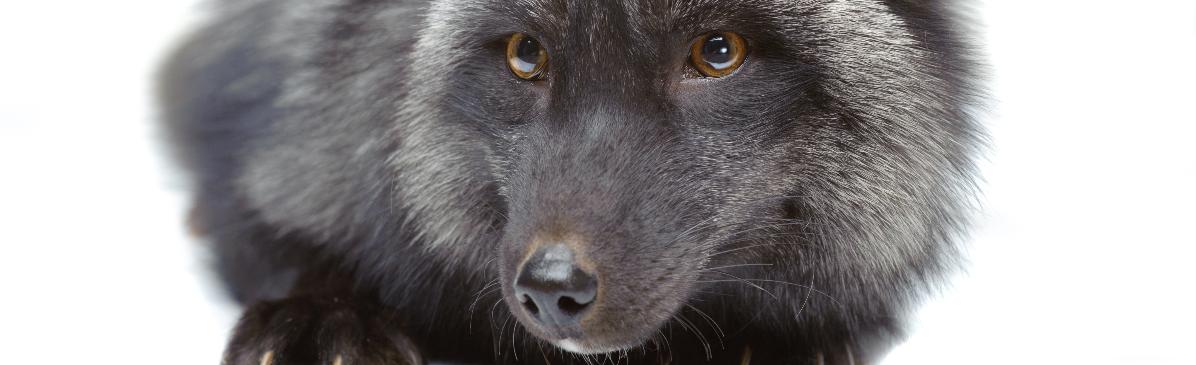
seen A Black or Unusual fox?
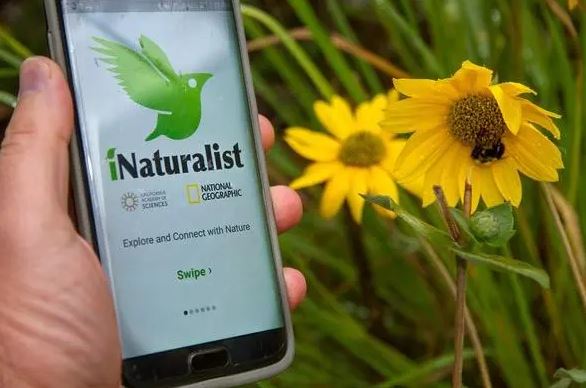
As of August 2023 sighting reports will now be directed to the iNaturalist system which operates in conjunction with the NBN Atlas.
More information can be found on our Citizen Science page.
Reporting A Sighting on iNaturalist
To submit sightings, you first need a free iNaturalist account:
- Go to the INaturalist website or download the iNaturalist app on iOS/Android.
- Create an account using a valid email address, choose a username and a password.
- You may be asked about data licensing preferences (e.g., allowing researchers to use your data).
Once you’re registered and logged in, you can report a sighting by creating an observation (a record an unusual fox you have encountered). The official help pages explain how to do this on different platforms:
On the iNaturalist mobile app (iOS or Android):
- Tap Observe or the + button.
- Add photos or sounds of what you saw (optional but recommended).
- Enter what you think you saw (the app can suggest identifications).
- The date/time and location can auto-fill from GPS or you can edit them manually.
- Save and upload the observation to share with the community.
- Contact iNaturalist Help if you need further information.
On the iNaturalist website:
- After logging in, click the Upload button (usually green in the header).
- Drag in photos or choose files from your computer.
- Fill in details such as what you saw, when you saw it, and where.
- Submit your observation.
- Contact iNaturalist Help if you need further information.